Before you choose Genie
What can Genie change?
With a paid plan, Genie creates and edits scripts and layouts, adds tables, fields, table occurrences and relationships, sorts scripts into folders, and changes data. On an existing layout, it changes objects in place: formats, appearance, hide conditions, tooltips, script triggers, portal setup and more. A few layout edits need FileMaker 21 or later (layout calculations), 22 or later (popover titles) or 26 (portal filter and sort). What’s available can vary with your FileMaker version and access privileges. Start with one focused change and check it in FileMaker.
Which platforms and FileMaker versions does Genie support?
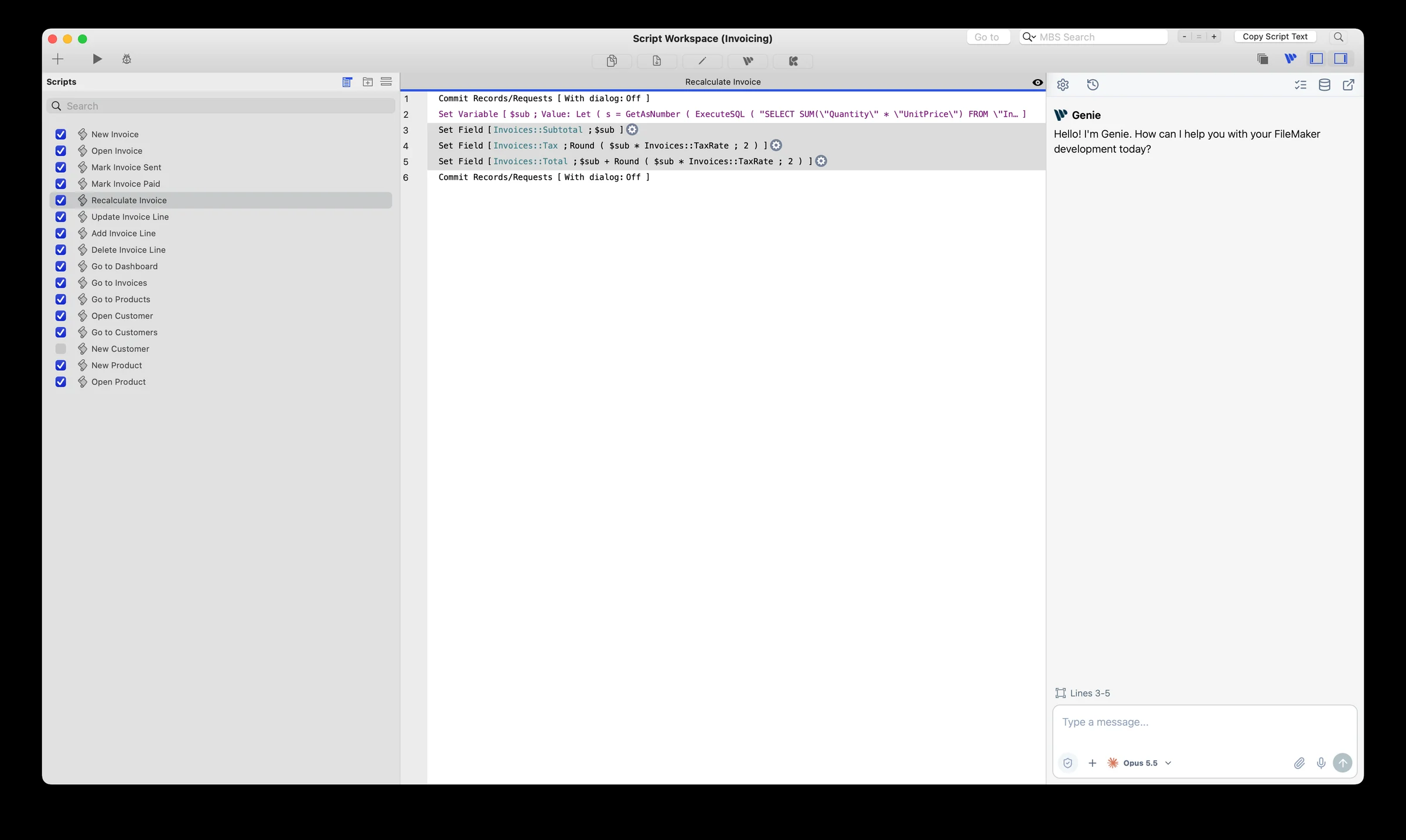
Genie runs on Mac and Windows with FileMaker Pro 19 through 2026, as separate packages. The Layout mode and Script Workspace panels are on Mac today. The release notes list what each package includes.
Can I use a hosted FileMaker file?
Yes. Genie reads, writes scripts and builds layouts in hosted files as well as local ones, within your access privileges.
Do changes always need approval?
By default, yes: Genie shows each change and waits for your OK. Turn on Auto apply to let it build directly. Permission and Privacy checks stay on either way, and running an existing script always asks first.
Can I undo every change?
Not everything. With Auto apply on, edits to existing scripts, relationship edits and graph arrangements can be undone from Workbench. Newly created scripts, tables, fields, table occurrences and relationships can’t, and neither can data changes, so work on a development copy and check the result in FileMaker.
What is Free, and what is Paid?
Free covers exploring and asking: inspecting the file, read-only data questions, help with calculations, and Local MCP reads. Paid adds building: creating and editing in the file, and build requests from an external agent. Pricing starts at $59 per user per month or $499 per user per year, with seat discounts. Paid starts with 21 days free; billing begins after that, and you can cancel anytime.
How do I change the number of users or cancel?
In Genie, open Settings > General and choose Manage subscription, or use Manage subscription in the footer of this site. Sign in with your purchase email to change users, switch between monthly and yearly, update your card, download invoices or cancel. Cancelling keeps access until the end of the period you paid for.
Which AI provider do I use?
Connect your own OpenAI, Anthropic, Google or xAI account in Genie Settings, or a compatible local model. On Mac you can instead run your own Claude Code or Codex with the plan you already have. With an API key, your provider bills usage directly; with Claude Code or Codex, usage comes out of your plan. Your Genie licence doesn’t include either.
Do I still need an API key?
Not if you use Claude Code or Codex. On Mac, Genie 3.3 can run your own Claude Code or Codex inside FileMaker, signed in with the Claude or ChatGPT plan you already have, so there’s no API key and no API bill. Genie’s own agent still works with an API key or a local model, and you switch between them in the model menu. Your Genie licence is separate either way.
Which plans work with Claude Code and Codex?
Claude Code works with a Claude plan that includes it (Pro, Max, Team or Enterprise). Codex works with a ChatGPT plan that includes Codex access. You sign in on the publisher’s own page in your browser, and Genie’s Settings show Connected with your plan. Which plans include these tools, and their limits, are set by Anthropic and OpenAI and may change. Genie doesn’t control them, so check your plan.
What does it cost?
Your Genie licence doesn’t change: reading, inspecting, explaining and debugging stay on the Free plan, and creating or editing scripts, layouts, schema and data needs a paid Genie plan. What goes away is the API bill, because Claude Code and Codex use the plan you already pay for. That plan has its own price and usage limits.
Is it safe? Can it change my file without asking?
Not by default. Each agent is limited: no Terminal, no file access, no web access and none of your other tools. It reaches FileMaker only through Genie’s own tools. With Auto apply off, which is the default, a change it proposes appears as a card in the conversation that you Apply, Review or Copy. With Auto apply on (opt-in, in Settings), Claude Code and Codex apply supported changes directly, like Genie’s own agent. Your paid plan and the file and Privacy Mode checks still apply, but an engine’s change isn’t checked against what you asked, which Genie’s own agent does. Leave Auto apply off to review every change. Genie never sees or stores your sign-in. Your requests and the file context the engine reads are handled by Anthropic or OpenAI under your plan’s terms. Engines aren’t offered while Local MCP’s Privacy Mode is on.
Does it work on Windows?
Not yet. Claude Code and Codex in Genie are on the Mac for now. Genie for Windows doesn’t include them yet and keeps working with your own API key or a local model. We are aiming for Windows to match the Mac version at the start of November 2026.
What if my plan limit runs out?
Usage comes out of your own Claude or ChatGPT plan. When you reach its limit, the engine can’t continue until your plan allows more use, and the publisher decides when that is. Genie’s own agent, with an API key or a local model, stays in the model menu, so you can switch and keep working.
What context is shared?
Genie reads what the request needs, when it needs it. Your request and that context go to the provider you configured, or to Anthropic or OpenAI if you use Claude Code or Codex. Chat and Local MCP each have their own Privacy setting; use Metadata Explorer to limit exactly what Genie can read.
Where should I start?
Download the package for your platform, install it, connect a provider, and ask Genie to explain a script you know, without changing it. Then try a task from Build.