FM Culprit: find out what makes a FileMaker solution slow
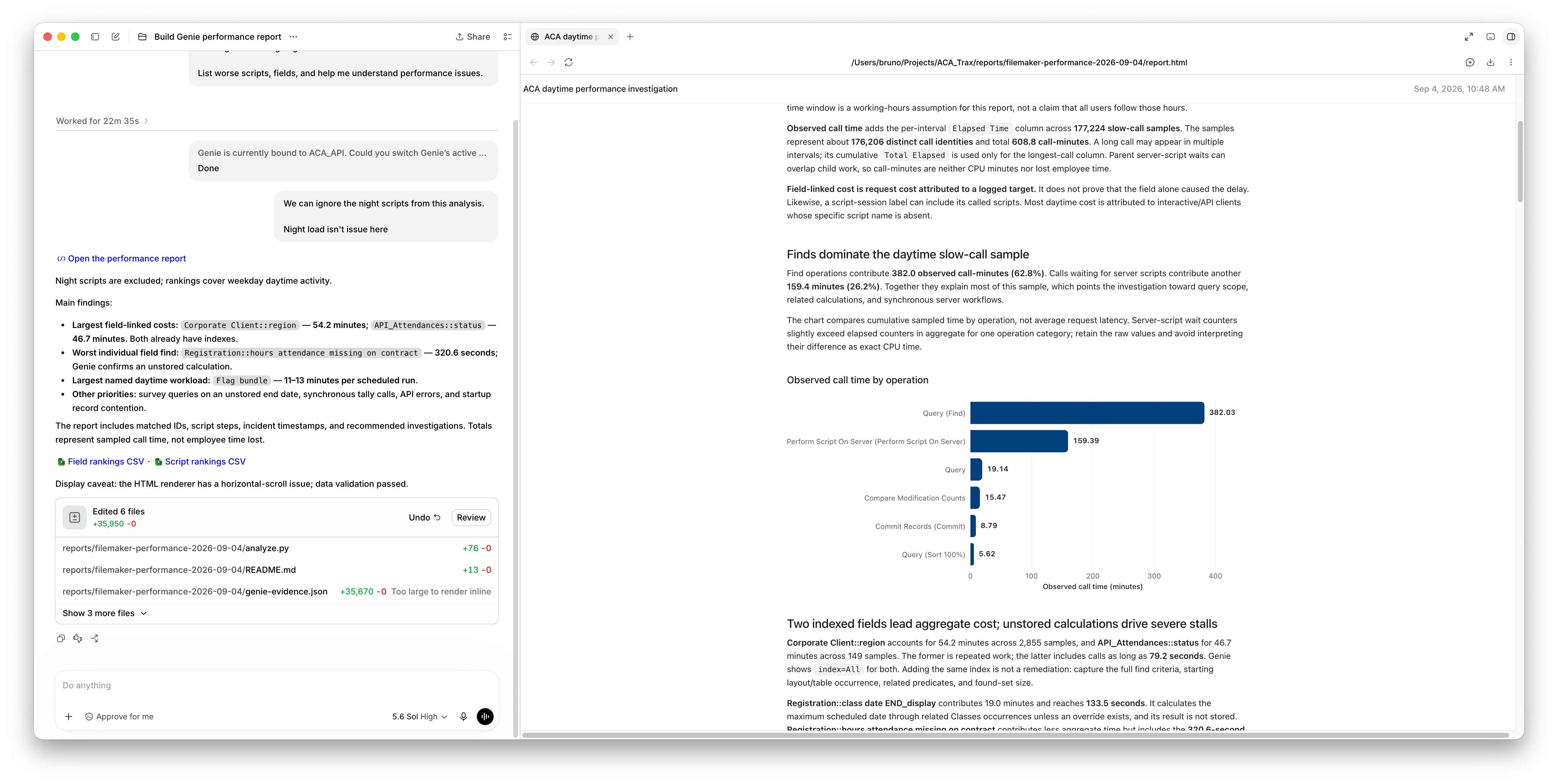
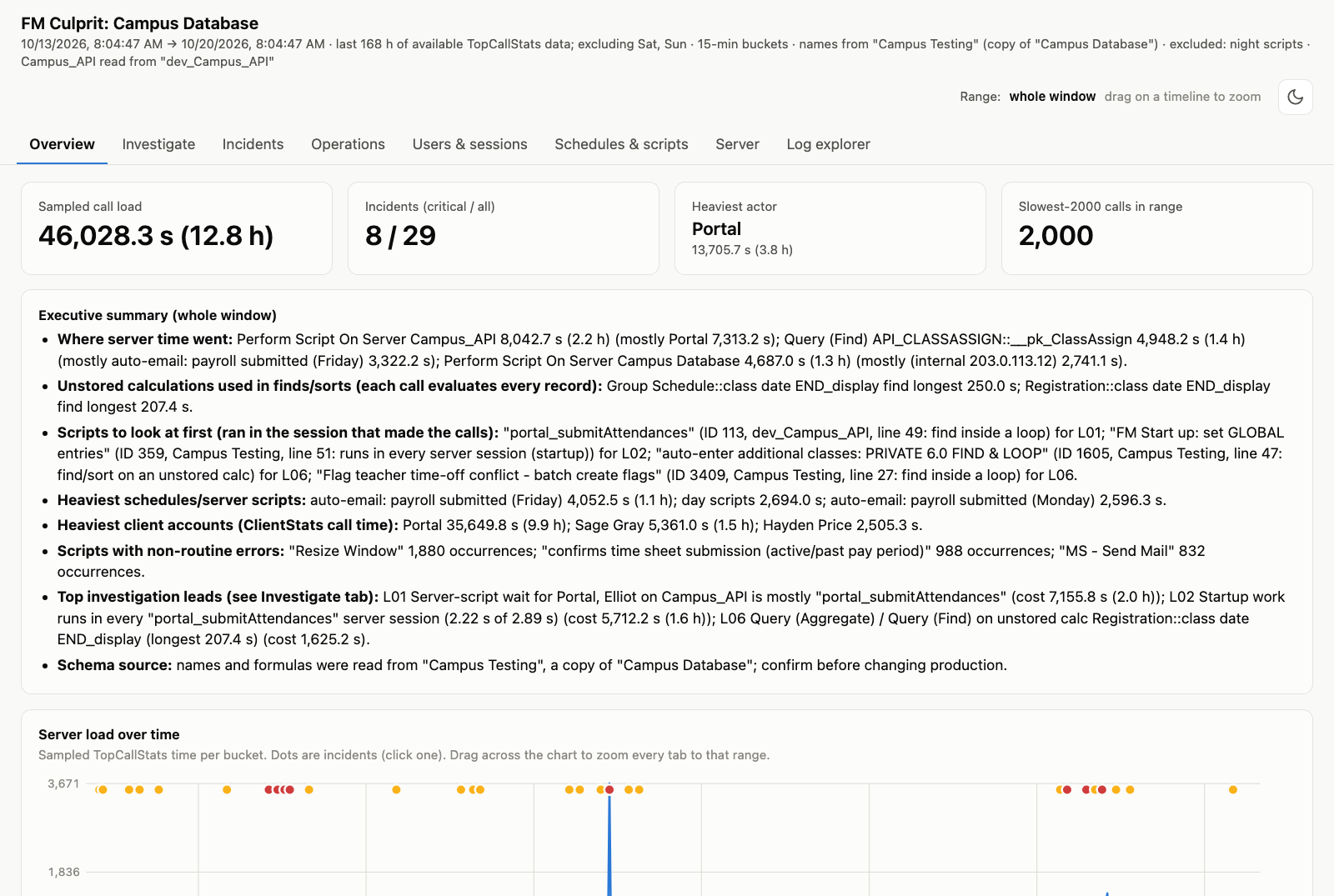
A free, open-source tool that reads FileMaker Server logs and uses Genie to check each finding in the live file: the field, the formula, the script and the line.
Read more →
Ideas, techniques, and tools for FileMaker developers building modern operational systems.
A free, open-source tool that reads FileMaker Server logs and uses Genie to check each finding in the live file: the field, the formula, the script and the line.
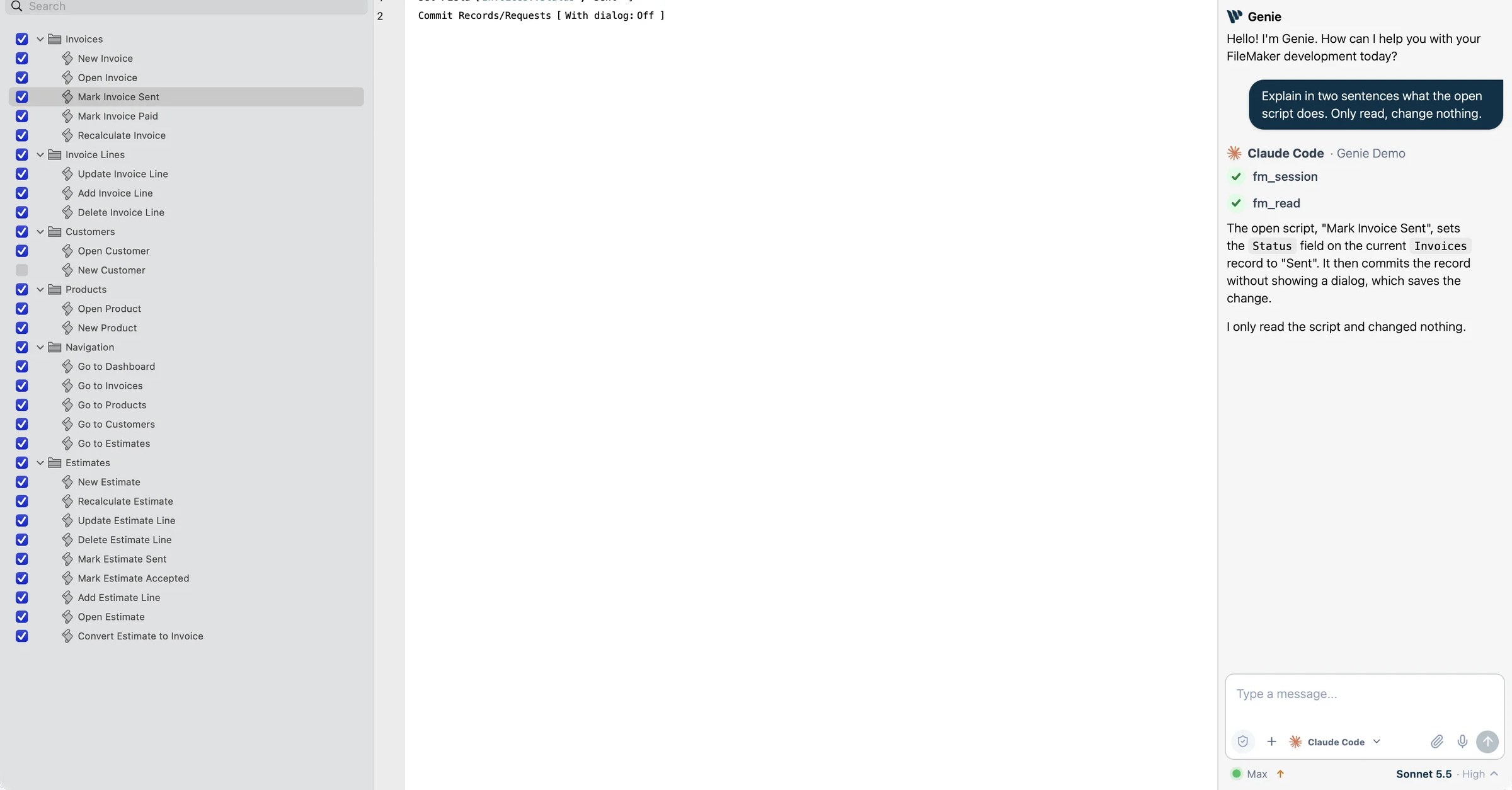
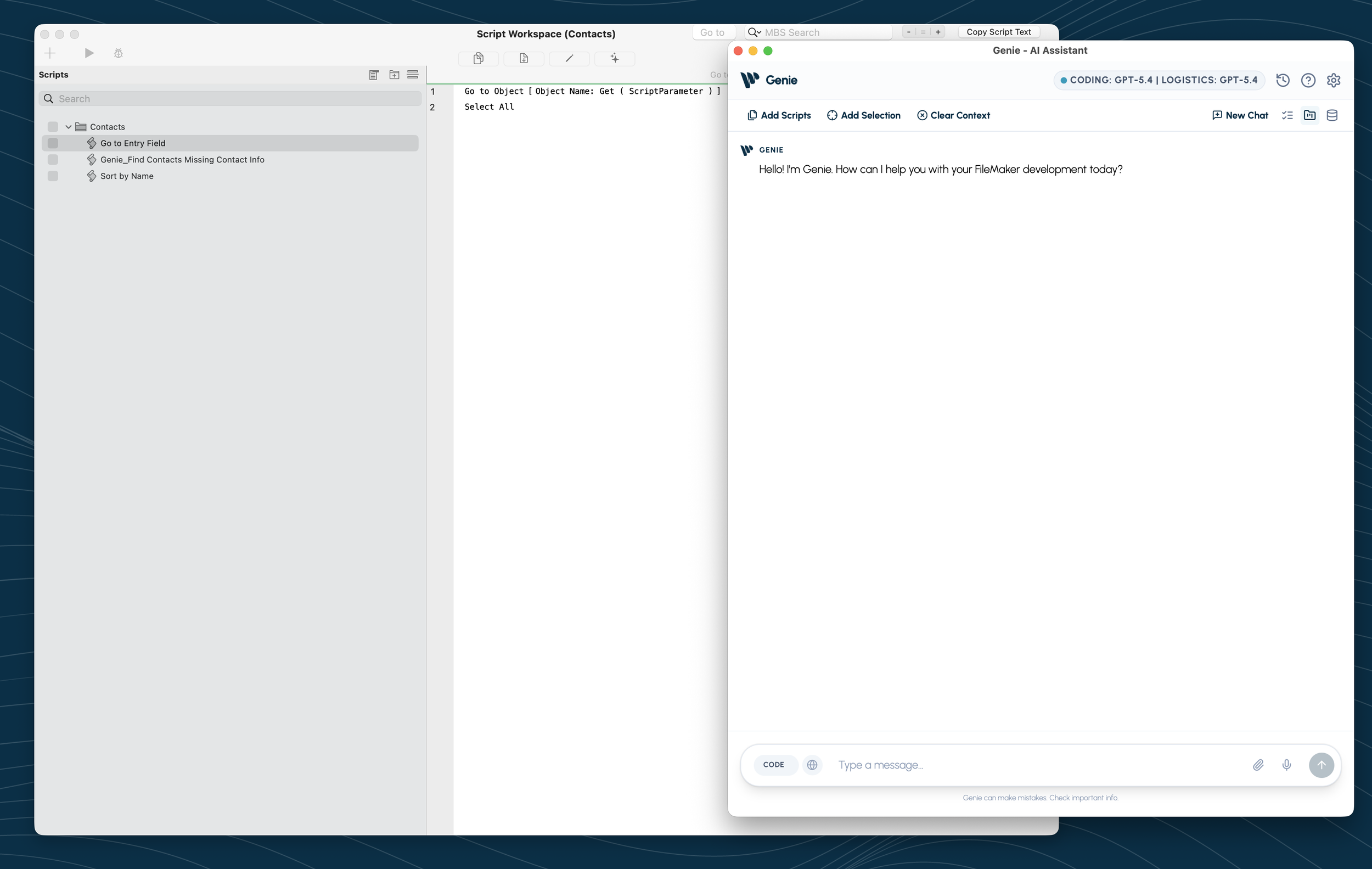
Read more →Genie 3.3 runs the real Claude Code and Codex agents beside your scripts and layouts, on the plan you already have. No API key, no API bill.
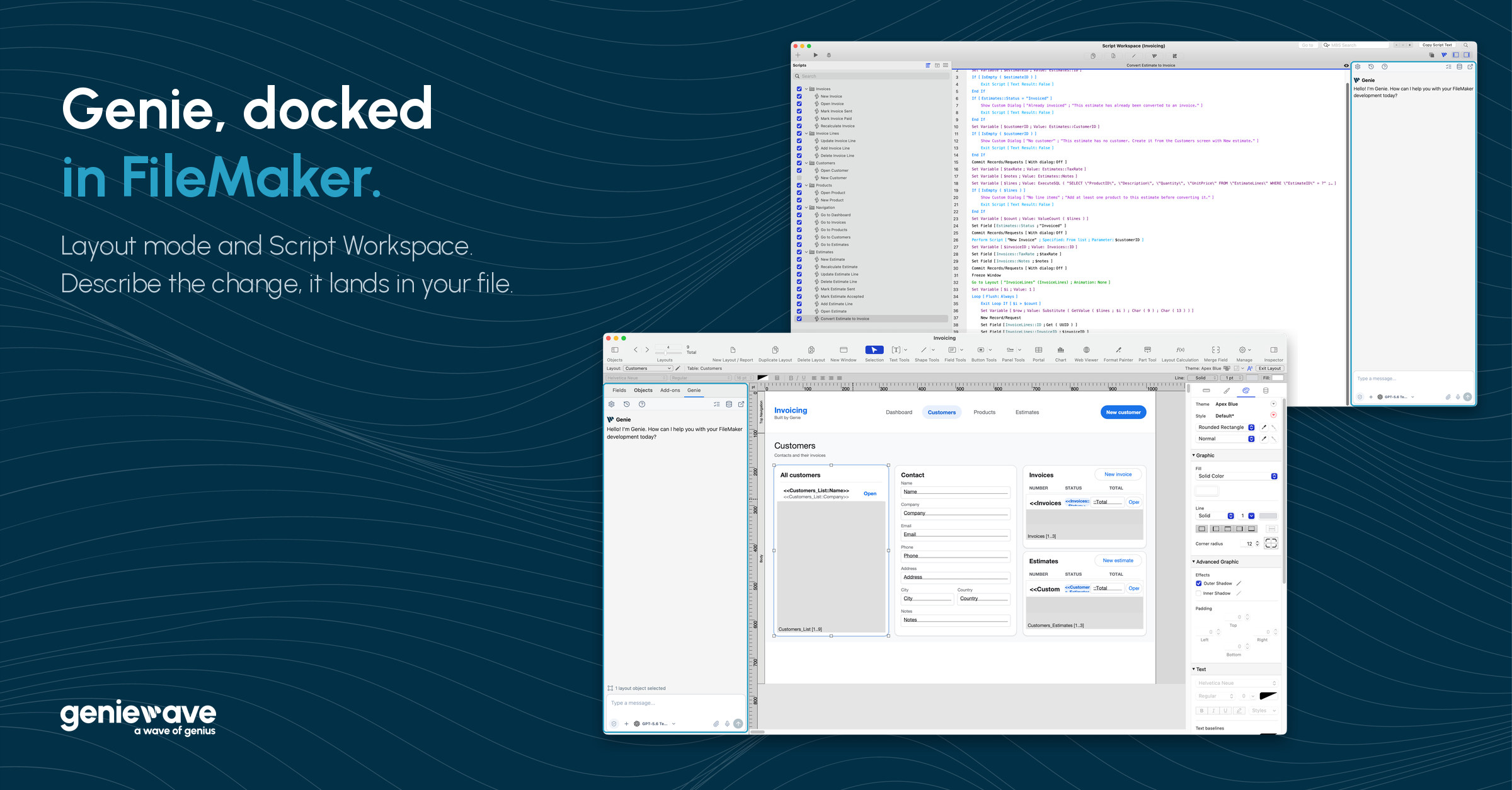
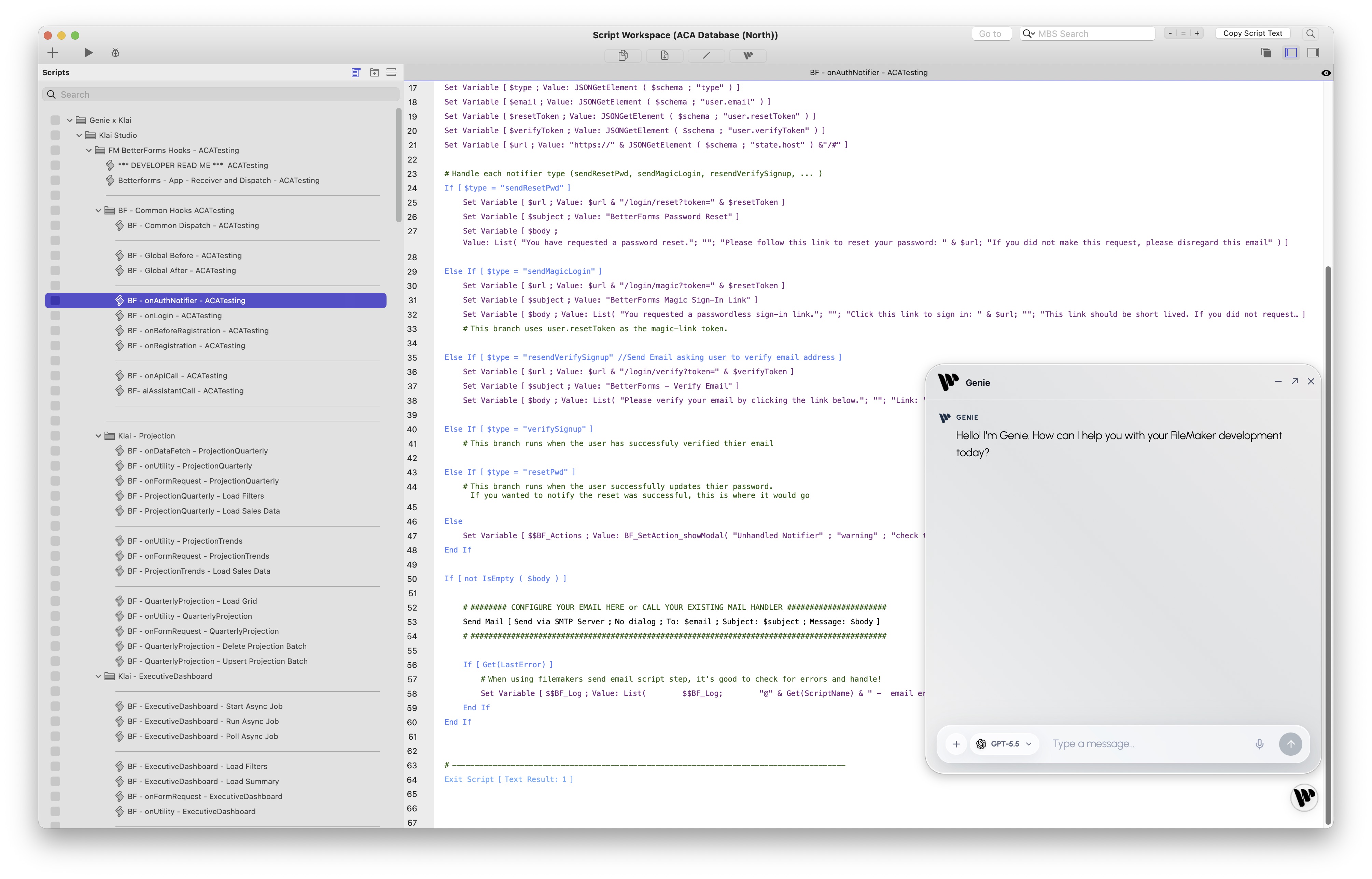
Read more →Genie now lives inside Layout mode and Script Workspace, and builds scripts, layouts, tables, fields, table occurrences, relationships and data in your file. Two full sessions show it on a real invoicing solution.
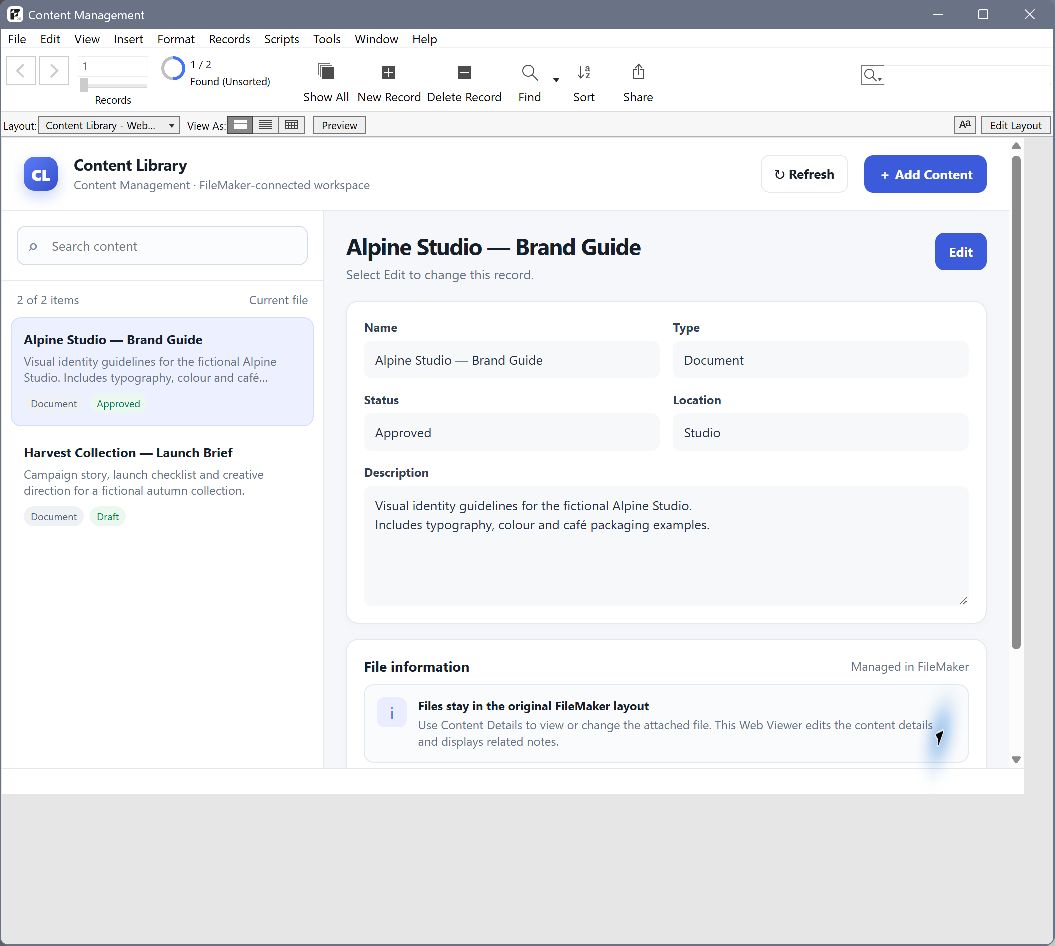
Read more →In this walkthrough, we turn the Claris Content Management starter solution into a Web Viewer app with Genie, starting with just a couple of prompts.
Read more →Turn FileMaker Server logs into a performance report. Use Genie through MCP to connect slow calls to real fields and scripts, narrow the investigation, and decide what to fix first.
Read more →Genie is now available for FileMaker Pro on Windows, with its own download and the same review-first approach to FileMaker AI.
Read more →Open Genie in FileMaker, confirm your model, and let AGENT inspect the project. Metadata Explorer is there when you want to make the context more precise.
Read more →Genie 2.3 introduces AGENT mode for FileMaker: live reads from the open file, FileMaker 19-to-current compatibility, in-app help, Compact AGENT, Local MCP, charts, documents, analysis, and reviewed creation.
Read more →Connect Claude Desktop to FileMaker through Genie's Local MCP server so it can inspect schema, review scripts, stage edits, and help build layouts from real solution context.
Read more →Learn how Genie uses MCP to connect FileMaker with Cursor and AI agents, making scripts, fields, layouts, and staged changes available for review before apply.
Read more →A practical first look at Genie inside FileMaker Script Workspace. Explore context selection, AI-assisted scripting, Workbench workflows, Quick Calculation AI, preview/refine/apply flows, and grounded FileMaker development.
Read more →A quick tour of Genie's FileMaker plugin workflow: capture script XML and metadata, run preflight, validate or repair output, then apply changes.
Read more →Meet Genie, a FileMaker AI assistant delivered through a local workbench. Preview XML, apply deliberately, and keep FileMaker development grounded in live context.
Read more →A practical walkthrough of using LM Studio as a local model endpoint for FileMaker AI workflows, embeddings, semantic search, and local experimentation.
Read more →